Campaign link tracking that shows what converts
Create campaign links that can be named, shared, inspected, updated, and measured. ShortURL.bot helps teams compare channel performance across email, social, search, direct, referral, QR, partner, and offline placements.
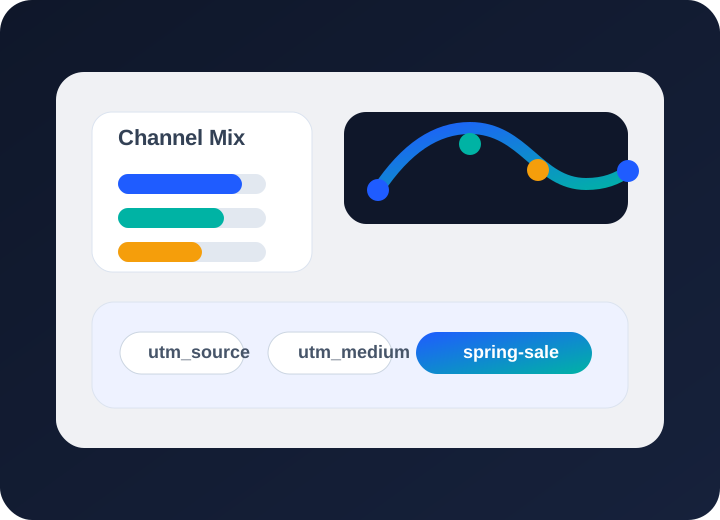
Campaign tracking at a glance
Use consistent campaign names, readable back-halves, UTM discipline, and workspaces so links can be reviewed later without decoding a spreadsheet.
Compare clicks and scans by source, channel, device, geography, referrer, and campaign module where your plan includes those views.
Use eligible lifecycle controls to update destinations, schedule active windows, expire limited-time offers, or add fallback redirects without changing shared campaign links.
How campaign link tracking drives better ROI
Enforce consistent tracking tags at scale
Campaign tracking starts before a link is published. Decide the naming pattern, channel labels, UTM rules, destination ownership, QR usage, and workspace before the first asset goes out. That discipline prevents duplicate links and makes reporting readable after the campaign gets busy.
Learn more →Compare channels side by side
Once traffic starts, compare sources while there is still time to act. If a paid placement is sending clicks but no useful downstream activity, update the landing page or pause the asset. If a QR code is under-scanned, check placement, print size, call-to-action, and whether the destination is worth the scan.
Learn more →Spot what works and cut what doesn't
Reporting depth depends on plan, but the workflow should stay the same: create managed links, inspect destinations, share the correct short URL, then review Performance Insight for channel mix, geography, device patterns, referrers, exports, and click-detail fields where available.
Learn more →Campaign tracking FAQs
How do I track campaign links with ShortURL.bot?
Campaign link tracking is the practice of giving each channel or asset a managed URL so the team can compare traffic, scans, sources, devices, geography, and performance after launch.
Can I enforce UTM naming conventions across my team?
Use separate links when you need separate reporting or control. Email, paid social, organic social, partner posts, QR signs, print inserts, and support handoffs often deserve different managed links.
Can I see which campaign channel drives the most clicks?
Yes. QR codes can resolve through managed short links, so offline scans appear in the same reporting workflow as web campaign links.
Can I change a campaign link destination mid-flight?
Use UTM parameters for downstream analytics, but keep the public URL clean with a branded short link. The managed short link can preserve tracking while remaining easier to share and inspect.
Start tracking your campaigns
Build the next campaign with trackable links from the start: name the assets clearly, inspect the destinations, shorten the URLs, generate QR only where useful, and review results while changes still matter.