QR codes tied to managed short links
Create a QR code from a destination URL or managed short link, choose the domain and back-half, download the asset, and keep scan data connected to your link analytics before and after launch.
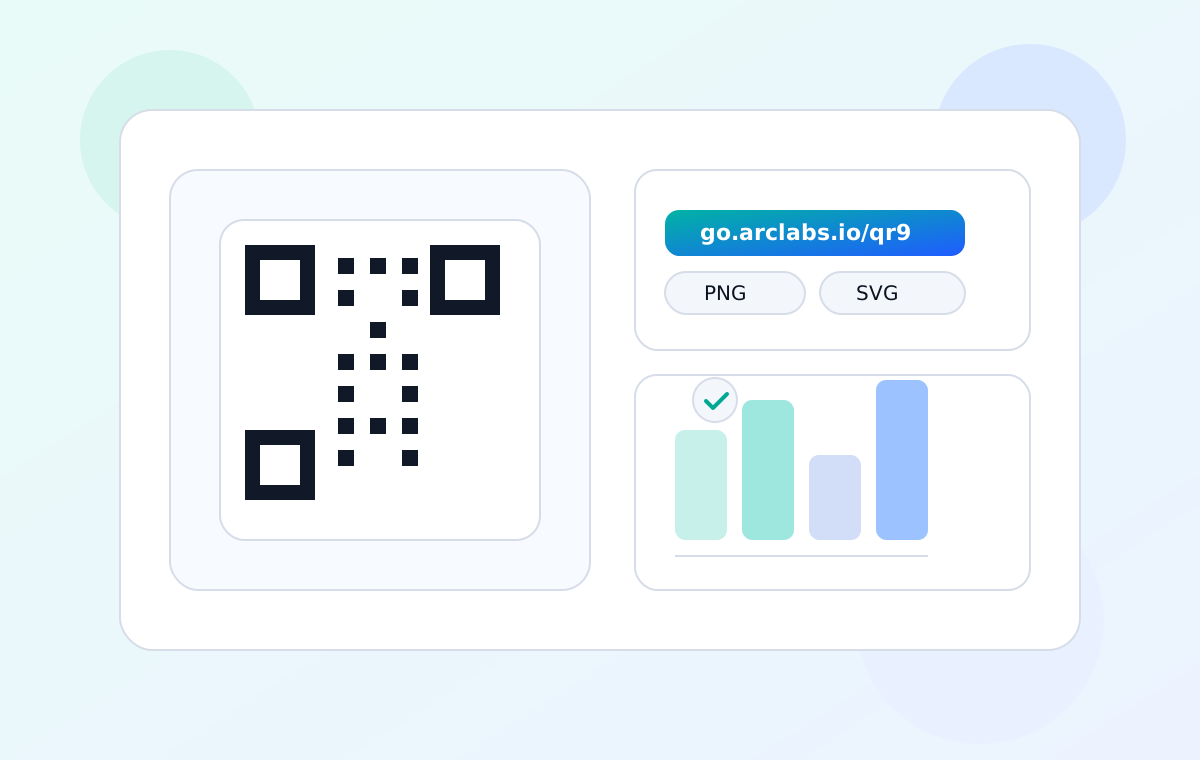
What the QR workspace handles
Generate a scannable asset from a destination URL or managed link, then download the format your plan supports for print, packaging, signage, inserts, or digital placement.
QR scans are tracked as link activity, making posters, packaging, receipts, event signs, and offline placements visible in the same reporting workflow as your short links.
Plus and higher can update the destination behind a QR code without replacing the printed asset, which reduces reprint risk when a launch page, offer, or follow-up URL changes.
Plan QR campaigns before the file goes to print
Generate from a short link
Create a QR code from a destination URL or existing short link, then download the format your plan supports for print, packaging, signage, inserts, handouts, or digital placement. Shorten first when the QR code needs a branded domain, a readable campaign path, click history, or later destination controls. Generate from a short link — Learn more
Try it now →Track scans as link activity
Every QR scan that resolves through a managed short link is recorded as link activity. Free keeps 30-day history; paid plans add deeper geography, device, referrer, channel, and export views so teams can compare a poster, package, booth sign, email QR, or handout against the rest of the campaign. Track scans as link activity — Learn more
Try it now →Update without reprinting
Use Plus-or-higher lifecycle controls when a printed QR code may need a new destination, active window, expiry, or backup redirect after launch. This matters for materials that are expensive to replace, such as packaging, venue signage, seasonal inserts, and partner collateral. Update without reprinting — Learn more
Try it now →QR code FAQs
Do I need a separate tool to create QR codes?
No. QR generation is built into the ShortURL.bot workspace, so the QR code, short link, domain choice, safety checks, and reporting stay together. Use direct QR mode for simple one-off URLs, or shorten first when you want branded links, reporting, and eligible lifecycle controls.
Can I change where an existing QR code points?
Yes, on Plus and higher. Update the short link destination and the same printed QR code keeps working, which is useful when packaging, event signs, menus, or field material outlive the original landing page.
Can I use custom domains with QR campaigns?
Yes. Custom domains can be used to keep QR destinations fully branded, and readable back-halves help teammates understand what a printed code is meant to open before it goes to production.
Put QR codes to work
Create QR codes with the domain, styling, lifecycle controls, and reporting path your campaign can support. Test the destination before printing, then use Performance Insight to see whether the placement is actually earning scans.