One platform to manage every link your team shares
Create, organize, inspect, update, and measure short links across campaigns, products, QR placements, and teams. ShortURL.bot keeps domains, back-halves, destinations, ownership, lifecycle controls, and reporting in the same workflow.
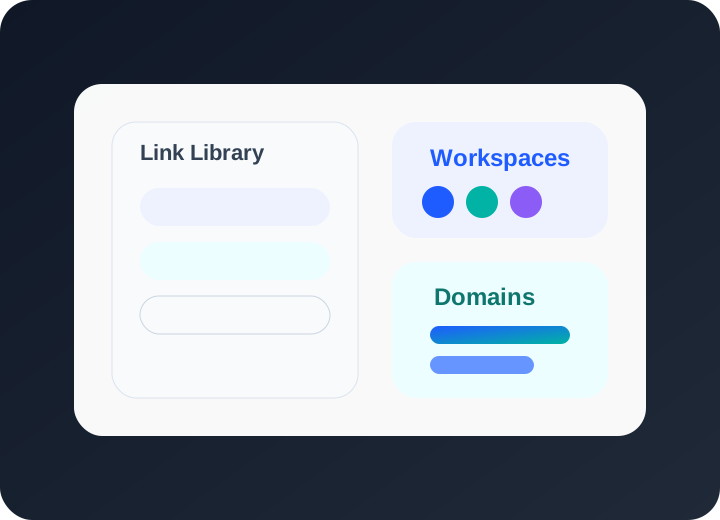
Link management workspace
Keep short links searchable by campaign, product, workspace, owner, destination, and status so teams can find the asset they need after it has already been shared.
Separate clients, campaigns, brands, departments, and operating teams with workspaces and role-based access instead of passing production links through spreadsheets.
Connect branded domains, use readable paths, and keep domain ownership visible so public links feel consistent across email, social, QR, paid ads, and print.
What makes a link management platform essential
Organize links across campaigns and teams
Organize links by the way the business actually operates: campaign, workspace, brand, market, product line, partner, or customer stage. That structure matters later when someone needs to update a destination, inspect a redirect path, compare performance, or understand why a link exists.
Learn more →Update destinations without breaking live links
Managed links are useful because the short URL can remain stable while the destination changes where the plan allows it. For active campaigns, Plus and higher lifecycle controls can help teams adjust a landing page, set expiry, schedule an active window, or add a backup redirect without replacing every shared link.
Learn more →Scale with team permissions and branded domains
As teams grow, link management becomes an ownership problem. Use workspaces, roles, branded domains, QR generation, Link Inspector, and Performance Insight together so marketing, support, agencies, and operations can publish links without losing control of trust, reporting, or future maintenance.
Learn more →Link management FAQs
What is a link management platform?
A link management platform is the operating layer for short links after creation. It helps teams create, organize, inspect, update, and measure links with domains, workspaces, QR codes, permissions, and analytics in one place.
Can multiple team members manage links together?
Yes. Shared workspaces and role-based access let multiple team members create, edit, inspect, and review links without sharing one account or losing track of ownership.
Can I organize links by campaign or workspace?
Yes. Use workspaces and naming conventions to group links by campaign, client, product line, department, market, or any structure that matches how your team reports on work.
How many links can I manage?
Plan limits vary by monthly link volume and feature depth. Free is useful for testing the workflow; paid plans scale link volume, domains, analytics, exports, seats, and lifecycle controls.
Take control of your links
Start by moving one active campaign into a managed workspace: organize the links, confirm the domains, inspect the destinations, and use Performance Insight to see what needs attention.