Branded short links that show where they lead
Use a connected custom domain, a readable back-half, and campaign tags so people and teammates can recognize the link before it is clicked.
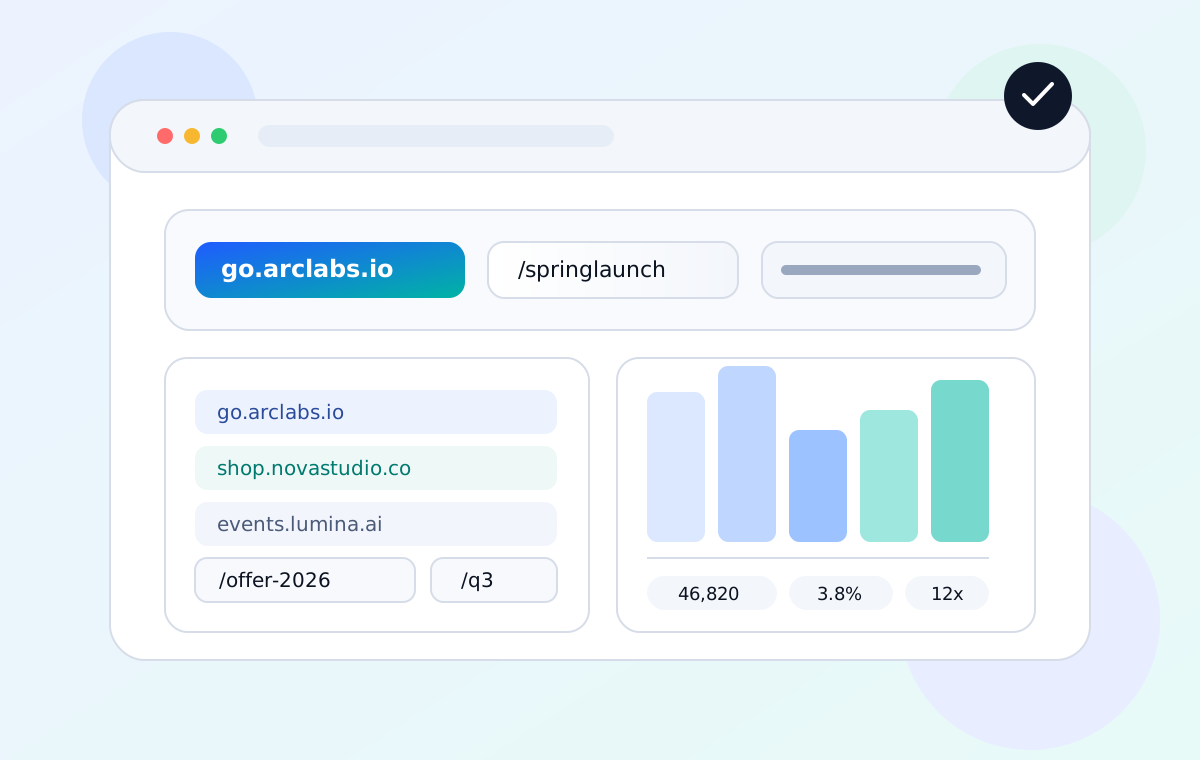
What a branded link changes in daily work
Show a domain your audience already associates with your organization or campaign.
Use readable endings like /summer-sale or /webinar instead of random codes when the destination needs context.
Keep shared links consistent across email, social posts, QR codes, printed materials, and partner handoffs.
Campaign example: launch links without losing ownership
A growth team can use one branded domain across email, paid social, partner copy, and printed QR assets while keeping every destination editable from the link workspace.
go.brand.co, verify DNS, and keep customer-facing links on a domain the audience already recognizes./spring-email and /spring-poster so channel context survives outside the dashboard.| Asset | Short link | Why it matters |
|---|---|---|
| Email launch | go.brand.co/spring-email | The source is readable before the click and easy to compare in analytics. |
| Retail poster QR | go.brand.co/spring-poster | The printed destination can be updated without reprinting the poster. |
| Partner handoff | go.brand.co/partner-kit | The partner shares a brand-owned URL instead of a random public short code. |
How branded links support campaign operations
Use your own domain
Connect an apex domain or subdomain in Settings, verify the required DNS records, and use that domain for short links, QR codes, Smart Pages, and forms where brand ownership matters.
Get started →Create memorable custom link endings
Choose descriptive back-halves for campaign names, product launches, guides, and events so a shared link is easier to identify in reports and handoff docs.
Get started →One identity across every channel
Use the same domain convention across social, email, ads, QR codes, and print so teams do not create one-off links that are hard to audit later.
Get started →Use a complimentary custom domain
Plus and higher plans include complimentary custom-domain options. They count against domain slots and should be reviewed with the same ownership and renewal care as any other branded domain.
Get started →Branded link FAQs
Can I use apex and subdomains?
Yes. ShortURL.bot supports both apex domains and subdomains. The setup panel shows the DNS records needed for the domain type you add.
Can two users share the same custom domain?
No. Custom domains are exclusive per account for ownership and safety.
Can I still auto-generate short codes?
Yes. You can let ShortURL.bot generate a code or choose a custom back-half when the link needs a readable campaign name.
Start building branded links today
Create a managed short link with a readable destination, brand-owned domain, and reporting path your team can understand later.