Trust signals built into every public link
Short links hide long destinations, so trust has to be built into the workflow. ShortURL.bot combines destination previews, abuse checks, branded domains, workspace ownership, status visibility, and privacy-conscious analytics so teams can publish links that are easier to verify before and after they are shared.
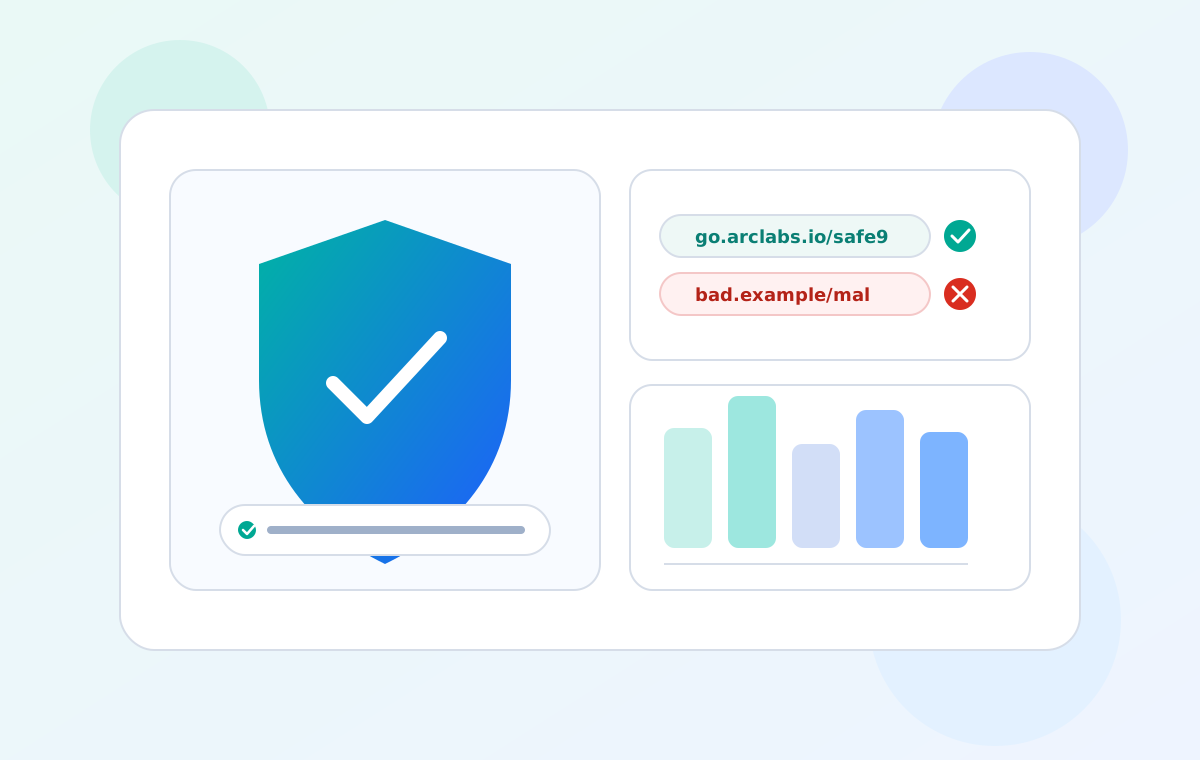
How protection shows up in the product
Link Inspector previews
Use Link Inspector and safe previews to see the final destination, page title, description, screenshot, SSL status, and redirect path before a campaign link goes live. This helps teams catch stale landing pages, unexpected redirects, suspicious destinations, or social previews that would make a link look untrustworthy.
Abuse review and blocking
Every managed short link runs through platform checks designed to reduce obvious abuse, unsafe destinations, and suspicious redirect behavior. For high-risk workflows, teams should still review links before launch and keep branded domains under their own control.
Privacy-aware reporting
Performance reporting focuses on campaign signals such as click history, geography, device, referrer, channel, and exportable detail where the plan allows it. The goal is to help teams measure link performance without turning marketing links into a broad collection point for unnecessary personal content.
Ownership and update controls
Workspace ownership, team roles, custom domains, destination updates, scheduling, expiry, and backup redirects keep responsibility clear. When a campaign changes, eligible teams can update the destination or disable a link without replacing every published asset.
How ShortURL.bot fits a campaign workflow
Create the link first, then add the domain, QR code, page, form, and reporting pieces your campaign actually needs.
| How protection shows up in the product | Paste your long URL | Choose the visible identity | Review and adjust |
|---|---|---|---|
Link Inspector previewsUse Link Inspector and safe previews to see the final destination, page title, description, screenshot, SSL status, and redirect path before a campaign link goes live. This helps teams catch stale landing pages, unexpected redirects, suspicious destinations, or social previews that would make a link look untrustworthy. | |||
Abuse review and blockingEvery managed short link runs through platform checks designed to reduce obvious abuse, unsafe destinations, and suspicious redirect behavior. For high-risk workflows, teams should still review links before launch and keep branded domains under their own control. | |||
Privacy-aware reportingPerformance reporting focuses on campaign signals such as click history, geography, device, referrer, channel, and exportable detail where the plan allows it. The goal is to help teams measure link performance without turning marketing links into a broad collection point for unnecessary personal content. | |||
Ownership and update controlsWorkspace ownership, team roles, custom domains, destination updates, scheduling, expiry, and backup redirects keep responsibility clear. When a campaign changes, eligible teams can update the destination or disable a link without replacing every published asset. |
What teams can verify
- Assign links to the right workspace so teams know who owns the destination, domain, reporting, and future updates.
- Prefer branded domains and readable back-halves for public links, especially in email, SMS, QR, paid ads, and printed material where users cannot easily inspect the full destination.
- Check public status, preview critical links before launch, and keep a review path for links that move through partners, agencies, or offline print workflows.
Explore more resources
Compare platforms, review security practices, and explore example short-link workflows.
Share with more confidence
Create links that are easier to trust: preview the destination, use a recognizable domain, keep ownership clear, and review performance without losing sight of safety.