Link analytics for campaign decisions, not vanity charts
Free keeps 30-day click history. Go starts KPI dashboards, Plus adds campaign and channel views, Pro adds audience, geography, and device detail, and Premium adds full click-detail export plus visitor fields.
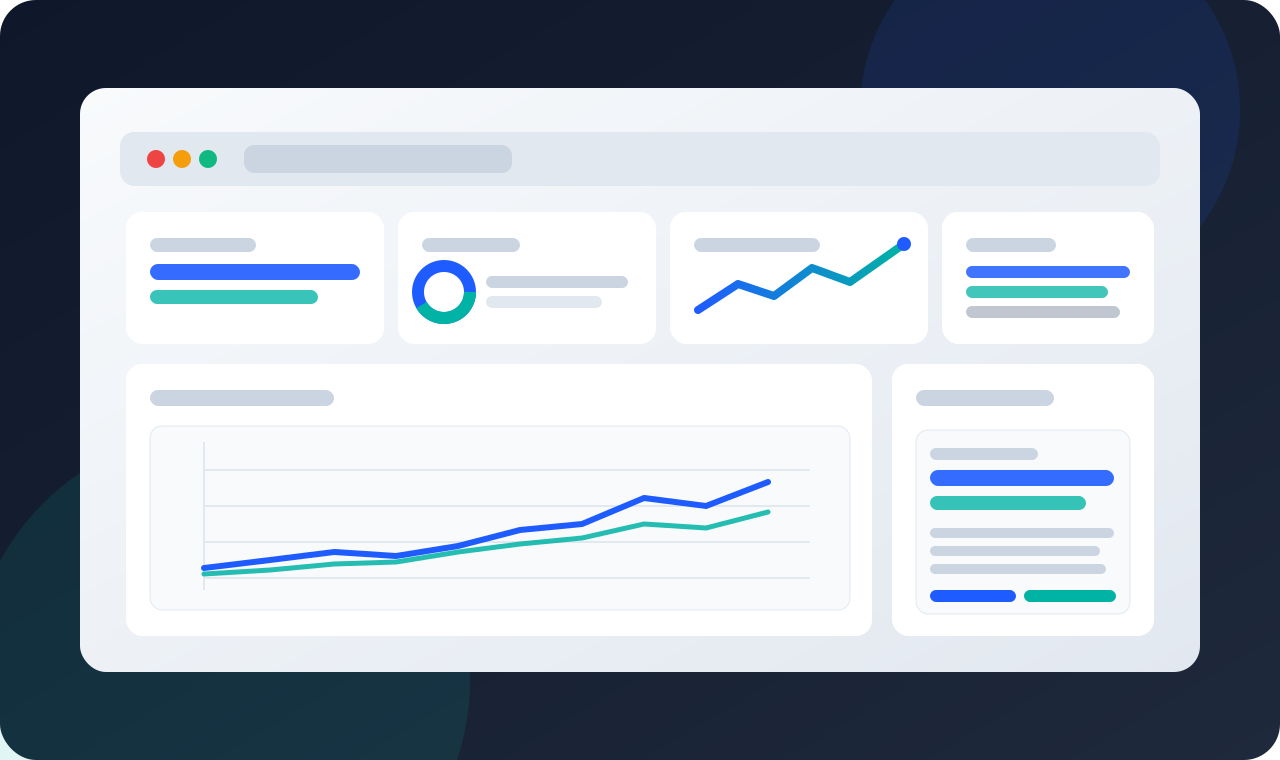
What Performance Insight answers
Track traffic patterns over time so launch spikes, stale links, expired offers, and campaign windows are easier to spot while there is still time to adjust the destination or follow-up.
Channel Mix is available on Plus and higher for comparing social, email, search, direct, referral, and QR-driven traffic in the same campaign review.
Audience Geography is available on Pro and higher for country and city-level performance review, helping regional launches, field teams, and event placements get context beyond a total click count.
Example review: QR traffic is active, email is underperforming
Use Performance Insight to turn raw clicks into a specific next action. The useful question is not only how many visits happened; it is which asset, channel, device, or region explains the pattern.
| Signal | Next action |
|---|---|
| QR traffic rises while email lags | Keep the printed QR destination stable, then test the email subject, placement, or audience segment. |
| One region produces most clicks | Check whether the destination, language, or offer matches that region before expanding the campaign. |
| Desktop clicks convert differently from mobile clicks | Review the destination layout by device and update the link target if a dedicated landing page is needed. |
Use click data while it can still change the campaign
Identify your top traffic sources
Review source and referrer patterns where your plan includes them, then compare those patterns against the campaign plan instead of guessing which channel worked. Use the first days of data to catch broken placements, unexpected referrers, QR codes that are not being scanned, or links that are getting traffic from the wrong audience. Identify your top traffic sources — Learn more
Learn more →Spot your best-performing channels
Plus and higher can compare Social, Email, Search, Direct, Referral, and campaign traffic side by side, helping teams shift budget, content, or follow-up while the campaign is active. The point is not to admire the chart; it is to decide which channel deserves more attention and which asset should be paused, renamed, or redirected.
Learn more →Reach the right audience worldwide
Pro and higher can map clicks by country and city and add device diagnostics, so regional launches, partner campaigns, and field placements can be reviewed with more context. If a link is mostly mobile, a slow desktop landing page is not the main issue; if a QR placement over-indexes in one city, the next print run can reflect that.
Learn more →Performance Insight FAQs
Can I update a short link after it is published?
The dashboard shows controls where your plan includes them: status control starts on Go, while destination updates, scheduling, expiry, and backup redirects require Plus or higher. That means Performance Insight can point to the problem, and the link workflow can handle eligible fixes without rebuilding every campaign asset.
What data can I export from Performance Insight?
Plus can export asset and list reporting for campaign review. Premium unlocks full click-detail export with user-agent information and masked visitor IP, which is the better fit when a team needs deeper investigation, compliance review, or external BI modeling.
Do I need a separate BI tool to use this page?
No separate BI tool is required for built-in review modules. Use Performance Insight for day-to-day campaign decisions, then use external BI only when your team needs custom attribution models, joins with revenue data, or reporting beyond the plan-based dashboards and exports.
Explore link activity by plan
Open Performance Insight to review active campaigns, diagnose traffic sources, and decide which links or QR placements need attention. Start with the questions that change action: which asset is winning, which source is underperforming, and which destination needs an update.